Introduction
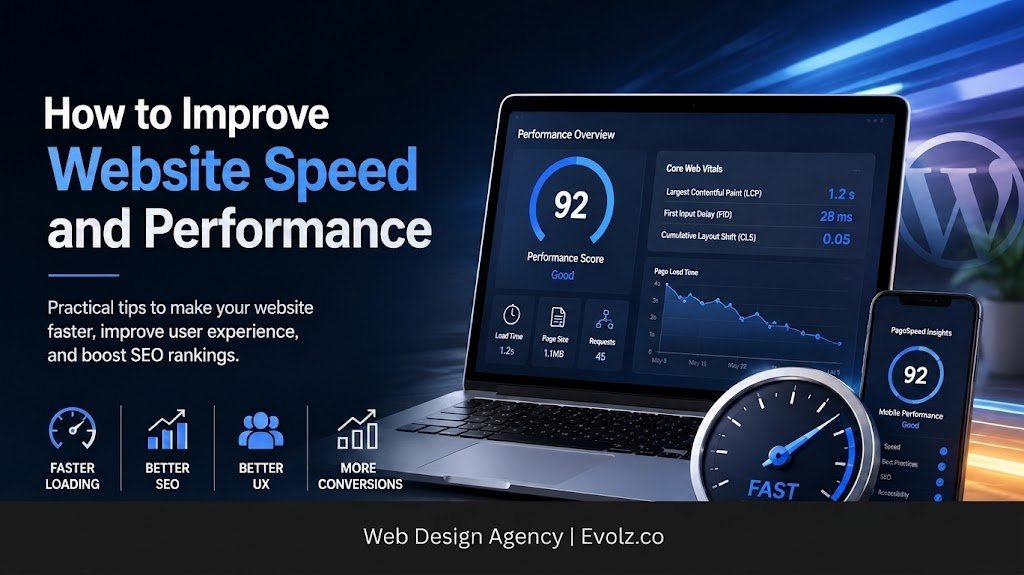
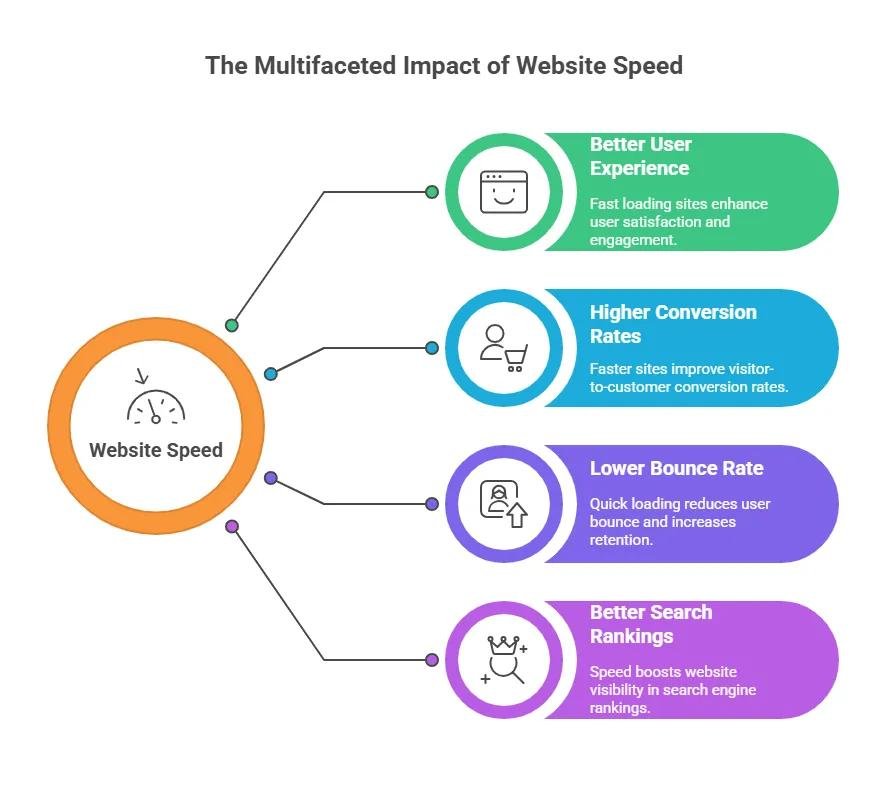
Website speed plays an important role in the success of a website. A fast website loads content quickly and gives visitors a smooth browsing experience. A slow website makes visitors wait and may cause them to leave the page. Website speed also affects SEO, user experience, and conversions. This guide explains simple and practical ways to improve website speed and overall performance.
How to Check Your Website Speed
The first step is to test the current speed of your website. Speed testing tools show how quickly your pages load and identify areas that need improvement.
Some useful tools include:
These tools provide performance scores and suggestions. You can test important pages such as the homepage, service pages, blog posts, and product pages.
10 Ways to Improve Website Speed
1. Choose Better Web Hosting
Web hosting directly affects website speed and performance. When a server responds slowly, the website takes more time to load, which can affect the user experience. Good hosting provides better server performance and helps pages load faster. Choose a reliable hosting provider that offers good server resources, high uptime, and fast server response times. This helps your website stay fast, stable, and easy to use.
2. Optimize Your Images
Images often take up a large part of a webpage. Large and unoptimized images increase page size and slow down loading. Image optimization reduces file size while keeping good visual quality.
- Compress images before uploading
- Resize large images
- Use WebP formats
- Avoid uploading images larger than necessary
- Use the correct image size for each section
Optimized images help pages load faster, especially on mobile devices.
3. Use Website Caching
Caching stores some website files so the browser can load them faster when visitors visit the website again. Caching reduces server workload and helps visitors load pages more quickly. WordPress websites can use caching plugins to manage this process easily and keep pages loading quickly.
4. Use a CDN
A Content Delivery Network (CDN) delivers website files through servers in different locations. When a visitor opens a website, the CDN delivers files from a server that is closer to the visitor. This reduces the distance the data travels and helps the website load faster. A CDN is especially useful for websites that receive visitors from different countries or regions because it can reduce loading times for users in different locations.
5. Minify CSS, JavaScript, and HTML
CSS, JavaScript, and HTML files control different parts of a website. Large or unnecessary code increases the amount of data the browser needs to download and can make pages load slower. Minification removes extra spaces, comments, and characters from these files without changing how the website works. Smaller files take less time to download and help improve website speed and overall performance.
6. Remove Unnecessary Plugins
Plugins add useful features to WordPress websites, but too many plugins can slow down a website. Review your plugins regularly and remove the ones you do not need. A simple plugin setup helps keep your website fast and easy to manage.
- Remove unused plugins
- Avoid duplicate plugins
- Keep important plugins updated
- Use lightweight plugins
- Check plugin performance when needed
7. Reduce Unnecessary Scripts
Third-party scripts add extra requests to a website and can slow down page loading. These scripts can come from chat tools, tracking services, social media widgets, advertising platforms, and other external services. Review the scripts on your website and keep only the ones that provide real value. Removing unnecessary scripts helps the browser load important website content faster and improves overall performance.
8. Enable Lazy Loading
Lazy loading helps a website load images and videos only when visitors need them. When a page opens, the browser does not load all the images at once. Instead, it loads the images that visitors can see first and loads the other images as they scroll down the page. This reduces the amount of data loaded at the start and helps the page open faster. Lazy loading is especially useful for pages that contain many images or videos.
9. Optimize Your Database
WordPress websites store different types of information in the database, such as posts, comments, settings, and other website data. Over time, the database can collect unnecessary revisions, spam comments, temporary data, and other unused information. Regular database optimization removes unnecessary data and helps keep the website running smoothly. A clean and organized database also makes the website easier to manage and maintain.
10. Make Your Website Mobile-Friendly
Many visitors access websites through smartphones, so a website needs to work well on smaller screens and mobile connections. Use a responsive design, keep the layout simple, optimize images, use readable text, and make buttons easy to tap. Avoid unnecessary animations and keep navigation simple so visitors can easily find what they need. A fast and mobile-friendly website provides a better experience on different devices.
Improve WordPress Website Speed
WordPress gives website owners many useful options, but themes, plugins, images, and other features can affect website performance. A lightweight and simple WordPress setup usually provides better speed and makes the website easier to manage. Follow these practices to improve WordPress website speed:
- Use a lightweight theme
- Keep WordPress updated
- Remove unused plugins
- Use a caching solution
- Optimize images
- Use a CDN
- Optimize the database
- Avoid unnecessary features
It is also important to test the website after making major changes. Testing helps you see whether the changes improve website speed or cause new performance issues.
Common Website Speed Problems
Many websites have speed problems because of simple issues that affect how quickly pages load. Finding these problems helps you understand what needs to be improved.
Some common website speed problems include:
- Large image files
- Slow web hosting
- Too many plugins
- Unoptimized CSS and JavaScript
- Too many third-party scripts
- Poor mobile optimization
- Too many redirects
- Heavy website themes
- Unnecessary animations
- Too much website content
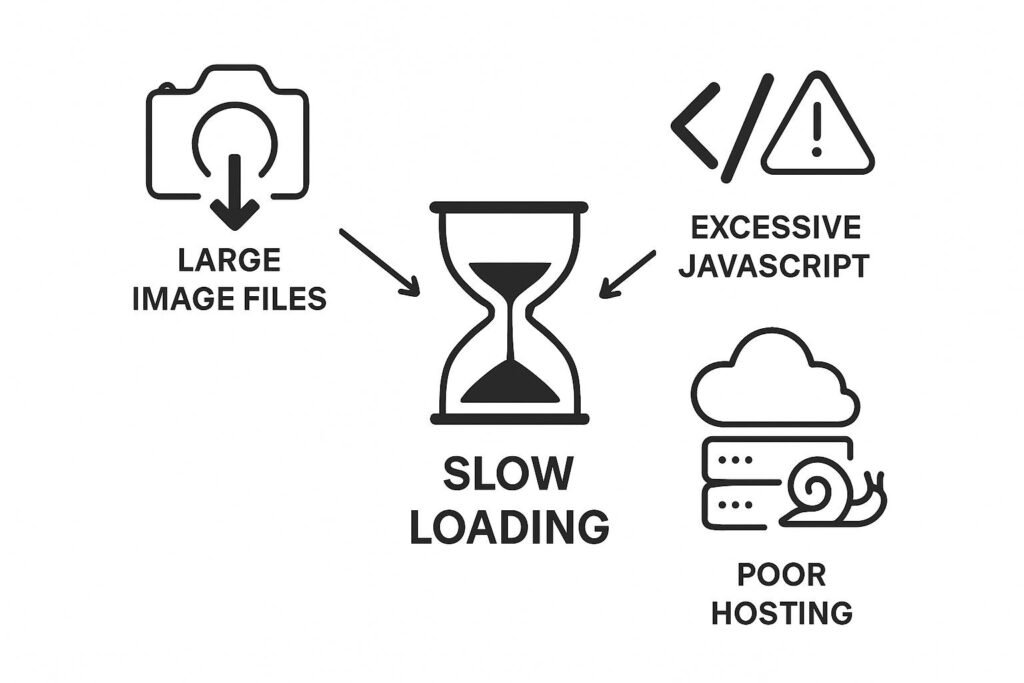
Fixing these issues can improve page loading speed and provide a better experience for website visitors.
How to Keep Your Website Fast
Website performance needs monthly maintenance because new images, plugins, pages, scripts, and features can affect speed over time. A monthly performance check helps keep the website fast, stable, and reliable. It also helps you find and fix small problems before they affect more visitors.
- Test website speed every month
- Compress new images
- Remove unused plugins
- Keep WordPress updated
- Review third-party scripts
- Fix unnecessary redirects
- Check mobile performance
- Monitor important website pages
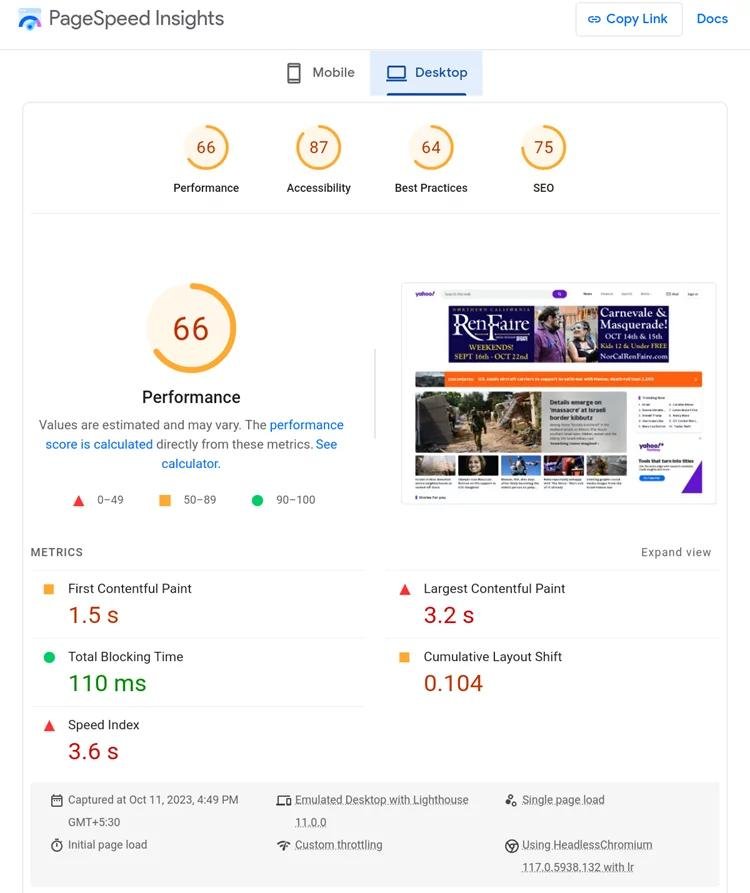
Monthly maintenance helps maintain good website performance and provides a faster experience for visitors.
Frequently Asked Questions
1. Why Is Website Speed Important?
Website speed is important because it affects user experience, mobile browsing, SEO performance, and conversions. A fast website helps visitors find information quickly and interact with your business.
2. How Can I Improve My Website Speed?
You can improve website speed by optimizing images, using reliable hosting, enabling caching, using a CDN, reducing unnecessary plugins and scripts, and improving mobile performance.
3. What Is the Best Tool to Check Website Speed?
Google PageSpeed Insights is a useful tool for checking website performance. You can also use GTmetrix and Google Lighthouse to identify speed issues and optimization opportunities.
4. Do Images Affect Website Speed?
Yes. Large and unoptimized images can increase page size and make a website load more slowly. Compressing images, resizing them, and using modern formats such as WebP can help improve loading speed.
5. How Do I Improve WordPress Website Speed?
You can improve WordPress website speed by using a lightweight theme, removing unnecessary plugins, enabling caching, optimizing images, using a CDN, and keeping WordPress and its plugins updated.
6. Does Website Speed Affect SEO?
Website speed can contribute to a better user experience and page performance. However, speed alone does not guarantee higher rankings. Content quality, search intent, technical SEO, and other factors also matter.
Conclusion
Website speed is important for a better user experience, SEO, and conversions. Simple steps like optimizing images, using good hosting, enabling caching, using a CDN, and keeping the website mobile-friendly help pages load faster. Regular testing and maintenance also help keep the website fast and reliable. Ready to improve your website speed? Book an intro call today and let us help improve your website performance.