Introduction
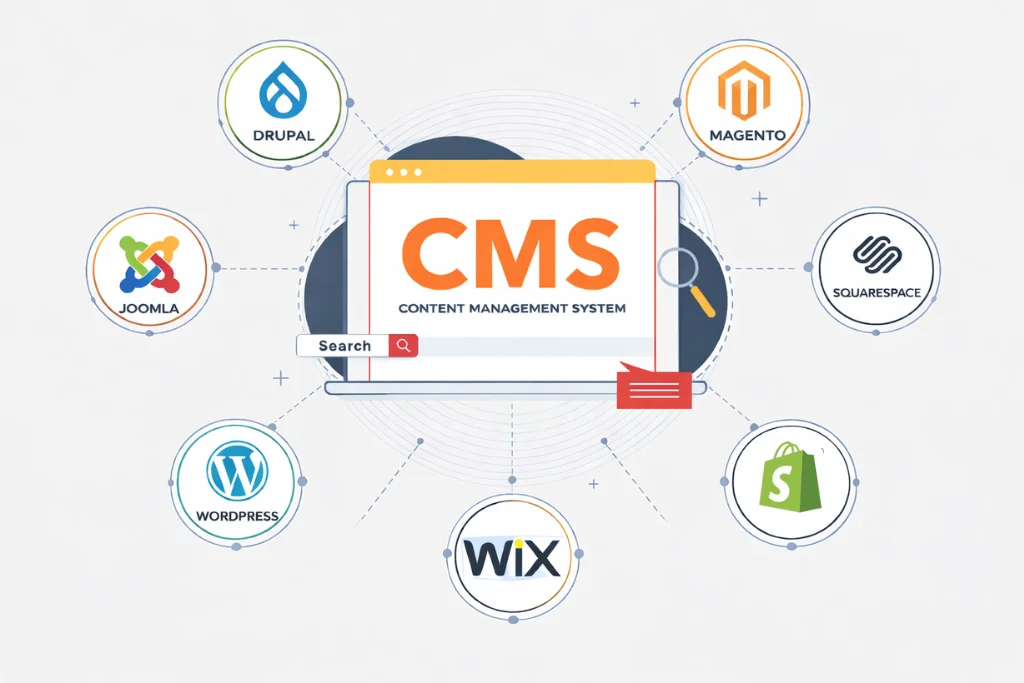
Your website plays an important role in building trust, attracting customers, and growing your brand. Choosing the right Content Management System (CMS) helps you create, manage, and update your website easily without advanced coding skills.
With many CMS platforms available, selecting the best option can be challenging. Every business has different goals, budgets, and requirements. In this guide, we’ll compare popular CMS platforms and help you choose the right one for your business.
Why Your CMS Choice Matters
Choosing the right CMS affects more than just your website. It also impacts how easily you manage content, how well your website performs, and how your business grows online.
1. Website Performance
A fast website creates a better experience for visitors. The right CMS helps your pages load quickly, improves website performance, and keeps users engaged.
2. Search Engine Optimization (SEO)
A good CMS supports SEO with features like custom URLs, meta titles, meta descriptions, and XML sitemaps. These tools make it easier for search engines to understand your website and improve your visibility in search results.
3. User Experience
Visitors expect a website that is easy to navigate. A reliable CMS helps you organize your content, create clear navigation, and provide a smooth browsing experience on every device.
4. Security
Website security protects your business and customer data. Trusted CMS platforms receive regular security updates and support tools that help keep your website safe from common online threats.
5. Business Growth
As your business grows, your website grows with it. A flexible CMS makes it easy to add new pages, features, and integrations without rebuilding your entire website.
6. Easy Website Management
A user-friendly CMS allows you to update pages, publish blogs, upload images, and manage content without technical knowledge. This saves time and makes day-to-day website management much easier.
Popular CMS Platforms for Businesses
There are many CMS platforms available today, but each one offers different features and benefits. Some focus on flexibility, while others are designed for simplicity. Understanding the differences helps you choose a platform that matches your business needs.
1. WordPress
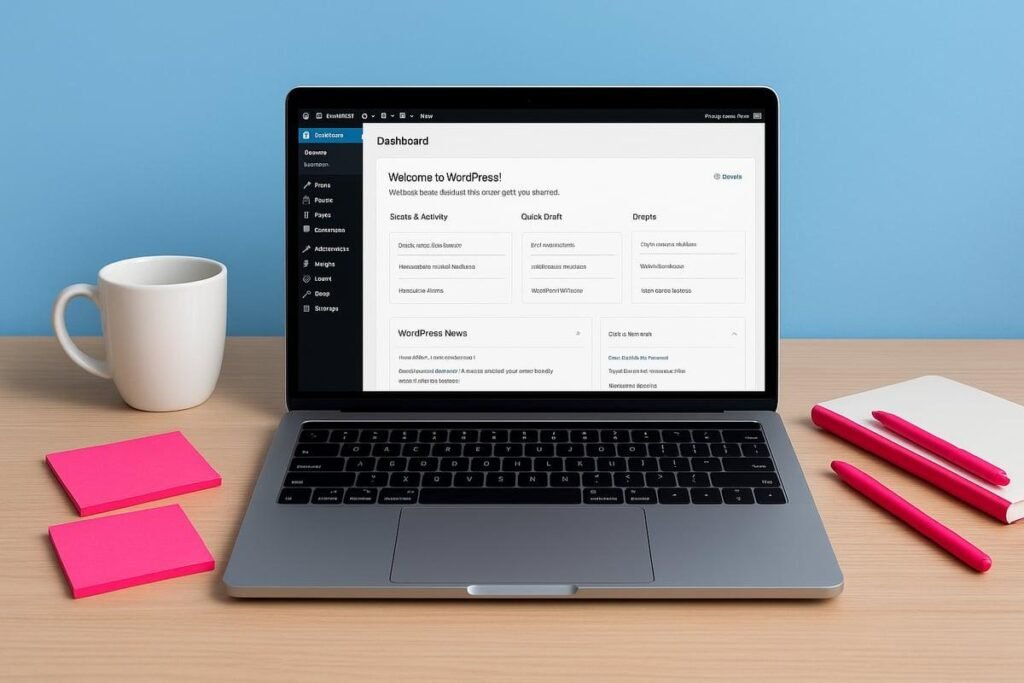
WordPress is the most popular CMS in the world, powering around 43% of all websites and holding nearly 60% of the CMS market. Its flexibility, ease of use, and large collection of themes and plugins make it a great choice for businesses of all sizes. You can easily add features like contact forms, SEO tools, booking systems, and eCommerce functionality without extensive development. Its user-friendly dashboard also makes it simple to update pages, publish blog posts, upload media, and manage your website as your business grows.
Best For
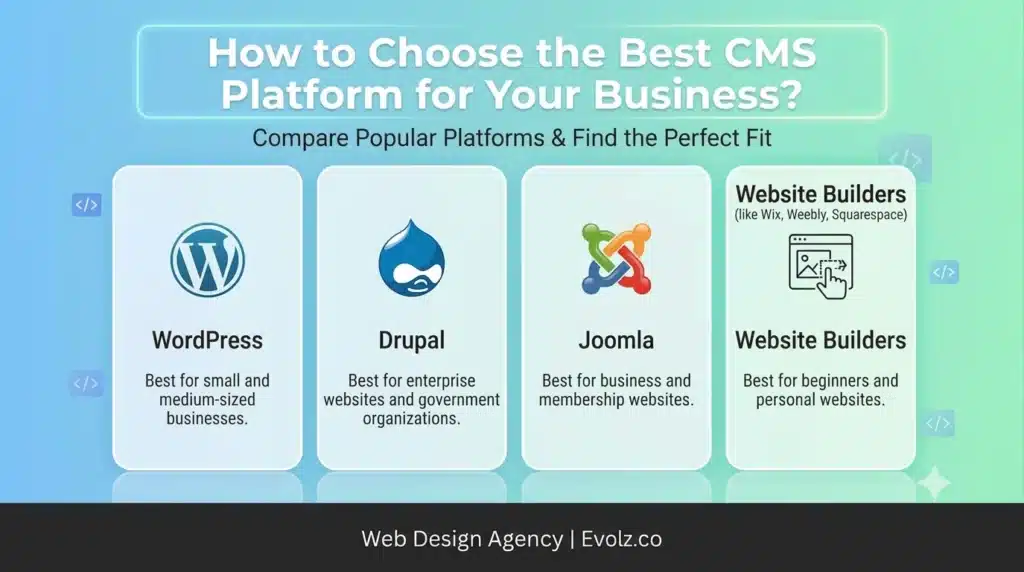
- Small and medium-sized businesses
- Blogs and content websites
- eCommerce stores
- Service-based businesses
- Businesses planning for long-term growth
2. Drupal
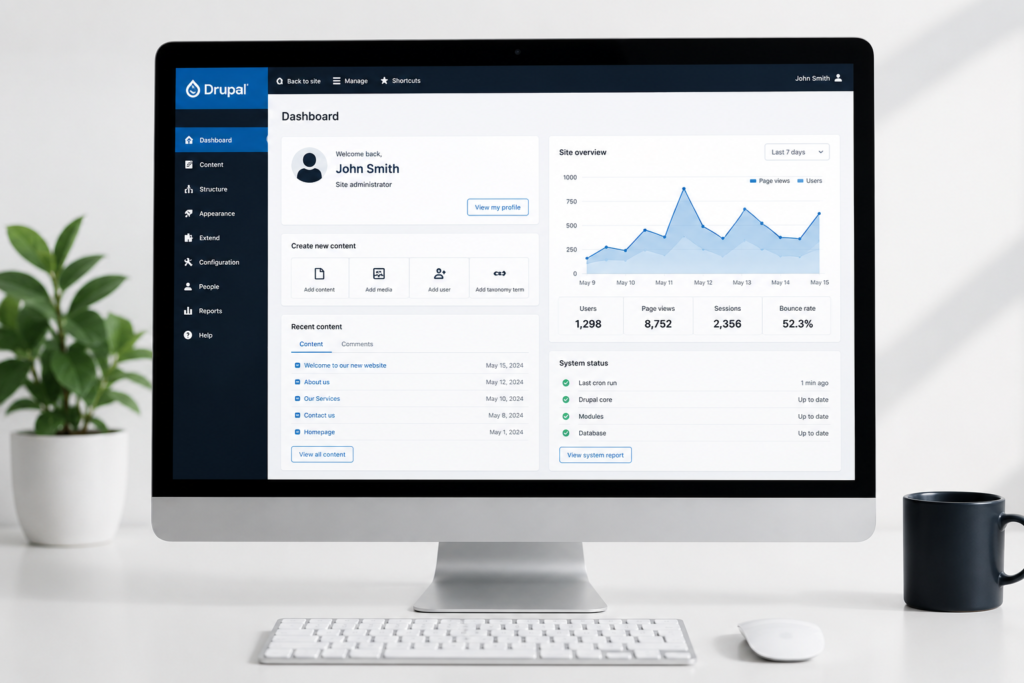
Drupal is a powerful CMS that offers advanced customization, strong security, and excellent scalability. It gives developers greater control over website structure and functionality, making it a popular choice for large organizations and businesses with complex website requirements. However, it requires more technical knowledge than WordPress, so it is generally better suited for experienced developers and enterprise-level projects.
Best For
- Enterprise websites
- Government organizations
- Universities
- Large businesses
- Websites with advanced functionality
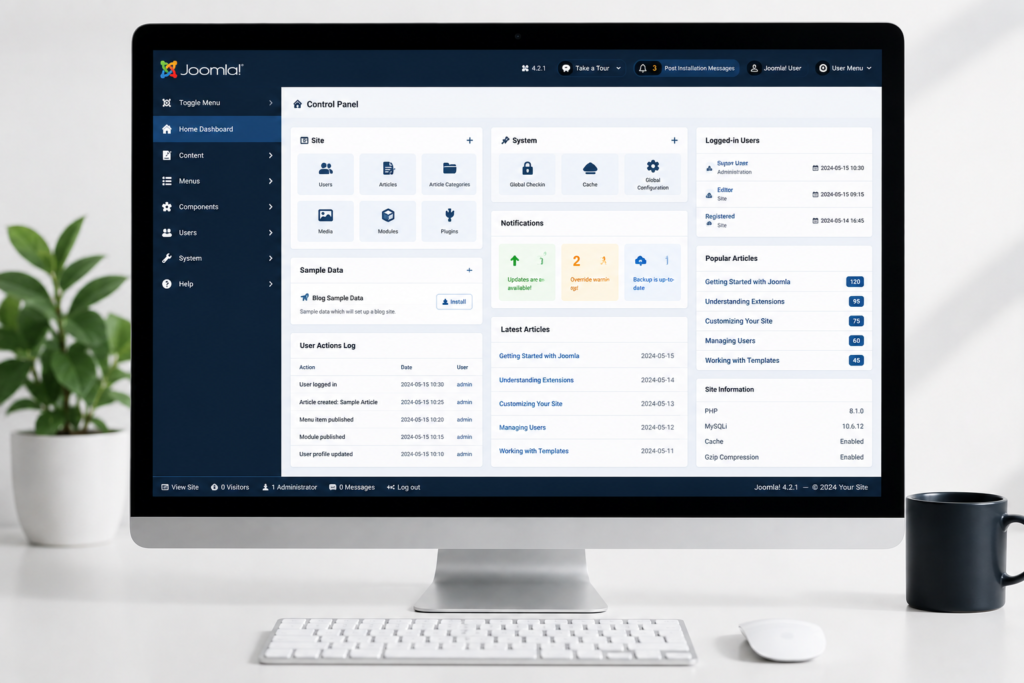
3. Joomla
Joomla is an open-source CMS that offers more flexibility than basic website builders and supports a wide range of extensions. It works well for websites that need moderate customization, but its learning curve is steeper than WordPress. While many businesses still use Joomla, some choose to migrate to WordPress because it offers easier management and a larger ecosystem of themes and plugins.
Best For
- Business websites
- Community websites
- Membership websites
- Businesses needing moderate customization
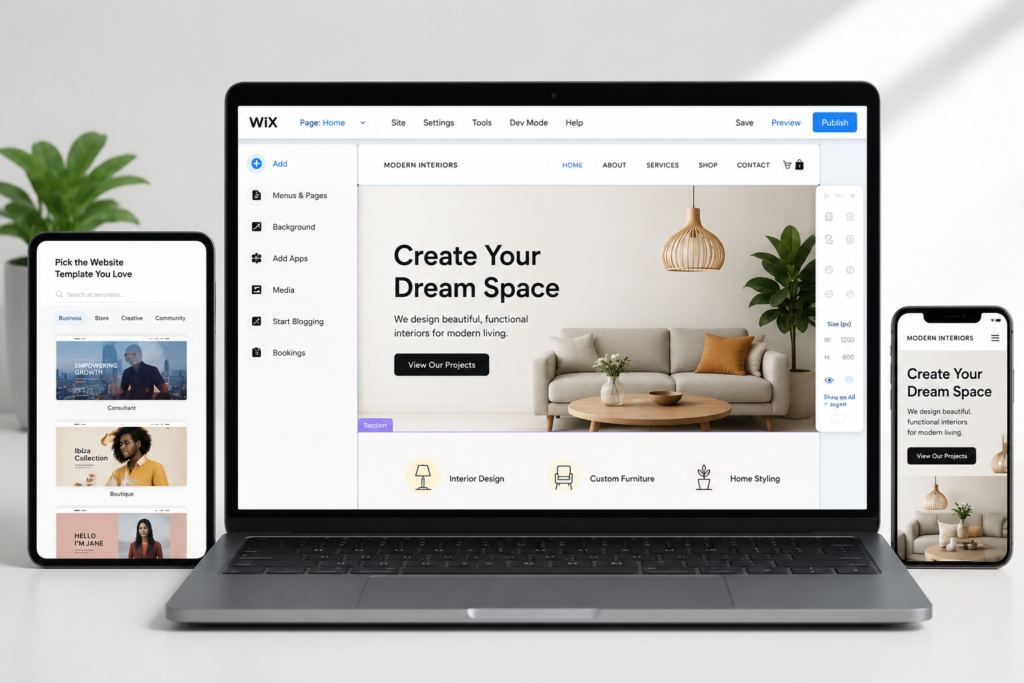
4. Website Builders: Wix, Weebly, and Squarespace
Website builders like Wix, Weebly, and Squarespace make it easy to create a website using drag-and-drop tools and ready-made templates. They are a good choice for beginners and small businesses that need a simple website quickly. However, compared to CMS platforms like WordPress and Drupal, they offer less flexibility, fewer customization options, and limited scalability for growing businesses.
Best For
- Small business websites
- Personal websites
- Portfolios
- Beginners
- Businesses with basic website needs
CMS Platform Comparison
| Feature | WordPress | Drupal | Joomla | Website Builders |
| Ease of Use | ⭐⭐⭐⭐⭐ | ⭐⭐ | ⭐⭐⭐ | ⭐⭐⭐⭐⭐ |
| Customization | ⭐⭐⭐⭐⭐ | ⭐⭐⭐⭐⭐ | ⭐⭐⭐⭐ | ⭐⭐ |
| SEO | ⭐⭐⭐⭐⭐ | ⭐⭐⭐⭐ | ⭐⭐⭐ | ⭐⭐⭐ |
| Scalability | ⭐⭐⭐⭐⭐ | ⭐⭐⭐⭐⭐ | ⭐⭐⭐⭐ | ⭐⭐ |
| Best For | Most Businesses | Enterprises | Medium Sites | Beginners |
Which CMS is Best for Business?
WordPress is the best CMS for most businesses because it is easy to use, SEO-friendly, highly customizable, and scalable. Larger organizations with complex requirements may prefer Drupal, while beginners or businesses with simple website needs may choose website builders like Wix, Weebly, or Squarespace.
Benefits of CMS Platforms
1. Scalability
A good CMS grows with your business. As your website attracts more visitors or requires new features, you can easily expand it without rebuilding the entire website.
2. Customization
CMS platforms allow you to customize your website based on your business needs. Themes, plugins, and extensions make it easy to add new features and create a unique online presence.
3. Content Management
Managing website content becomes much easier with a CMS. You can publish blog posts, update pages, upload media, and make changes whenever needed without relying on a developer.
4. SEO and Analytics
Most CMS platforms support SEO and integrate with tools like Google Analytics. This helps you improve your search rankings, monitor website performance, and better understand visitor behavior.
5. Community and Support
Popular CMS platforms have large communities, detailed documentation, and regular updates. This makes it easier to find solutions, learn best practices, and keep your website secure and up to date.
Questions to Ask Before Choosing a CMS
1. Which CMS is best for a small business?
WordPress is often the best choice for small businesses because it is easy to manage, flexible, and offers thousands of themes and plugins to add new features.
2. Is WordPress better than website builders?
WordPress provides more customization, SEO options, and scalability compared to website builders like Wix, Weebly, and Squarespace. Website builders are better for simple websites that need quick setup.
3. Which CMS is best for SEO?
Most popular CMS platforms support SEO features, but WordPress is widely preferred because of its powerful SEO plugins and easy optimization options.
4. Can a CMS grow with my business?
Yes, a scalable CMS allows you to add new pages, features, and integrations as your business grows without rebuilding your entire website.
5. Do I need technical knowledge to use a CMS?
Most CMS platforms are designed to be user-friendly. Platforms like WordPress allow business owners to manage content without advanced coding skills.
Final Thoughts
Choosing the right CMS helps your business create a website that is easy to manage, scalable, and aligned with your goals. WordPress is a great option for most businesses, while Drupal suits complex projects, and website builders work well for simple needs. Ready to build the right website? Book an intro call today and let us help you choose the best CMS solution for your business growth.